
Choosing client portal software used to be straightforward. There were maybe three options, they all looked the same, and you picked the cheapest one. That's not the case anymore.
In 2026, there are dozens of platforms calling themselves "client portals." Some are project management tools with a client view bolted on. Some are proofing tools that added a login page. And some are actual purpose built portals designed for the specific problem of sharing work and collecting approvals.
This guide will help you tell the difference.
What client portal software actually is
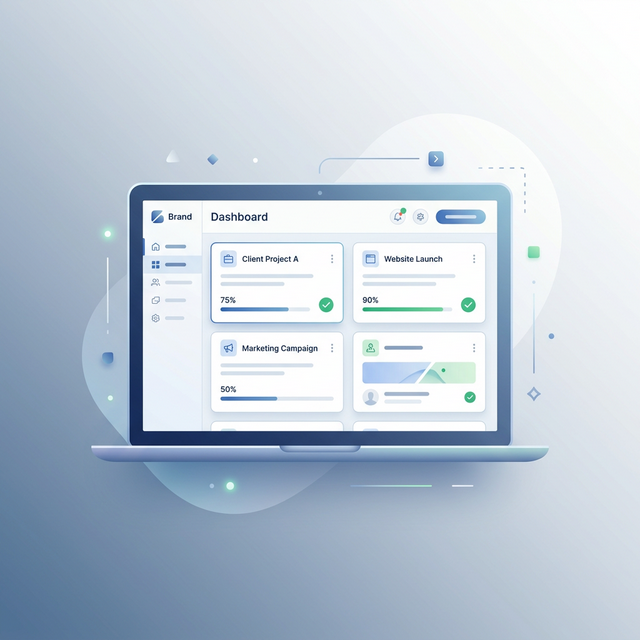
A client portal is a dedicated, branded web interface where your clients can view deliverables, give feedback, and approve work. It's the client facing layer of your workflow, the part your clients interact with.
If you haven't used one before, check out our explainer on what a client portal is and why agencies need one.
The key distinction: a client portal is not a project management tool. Your team uses project management internally. Your clients use the portal. These are different audiences with very different needs.
The features that actually matter
After talking to hundreds of agencies, the features that separate useful portals from frustrating ones come down to five things.
1. Zero friction client access
This is the single most important feature. If your client needs to create an account, set a password, or download an app, a meaningful percentage of them simply won't do it. Not because they're lazy, but because another account for another tool feels like a chore.
The best portals use magic links. Your client gets a URL, clicks it, and they're looking at their work. No registration, no password, no "forgot password" emails. This one feature can double your response rates.
2. White label branding
When a client opens a portal and sees a third party brand they've never heard of, there's a moment of confusion. "What is this? Is this from my agency?" Even if it only lasts a second, that friction matters.
Proper white labeling means your clients see your logo, your colors, and your name. The portal feels like a natural extension of your service, not someone else's product.
3. Structured approvals
"Let me know what you think" is not an approval process. Your portal should present each deliverable as a task with exactly two options: Approve or Request Changes.
This eliminates the gray area between "I have some thoughts" and "this is ready to go live." Every task gets a clear status, and every status change creates a record.
4. Visual annotations
Text feedback on visual work is inherently awkward. "The thing on the left should be more blue" doesn't help anyone. The best portals let clients click directly on a design and pin their feedback to the exact spot they're referring to.
This alone can cut your revision cycles in half because you stop guessing what "move it over a bit" means.
5. Works on every device
Your clients will review work on their phones. During commutes, between meetings, while waiting for coffee. If your portal doesn't work beautifully on mobile, you're adding days to every approval cycle simply because people can't review on the device they're holding.
Features that don't matter (but get sold hard)
Gantt charts and timelines
Your clients don't need to see your project timeline. They need to see what's waiting for their approval. Gantt charts are an internal team tool, not a client tool.
Complex permission systems
Enterprise tools love selling 15 permission levels. For most agencies, you need exactly three: the agency team can do everything, the client can view and approve, and that's it.
Automated workflow engines
If your approval process needs a flowchart to explain it, the problem isn't the software. Multi stage automated workflows add complexity that most agencies don't need and most clients find confusing.
Common pricing traps
Per user pricing
It sounds reasonable at $15 per user per month. Then you realize that every client contact counts as a "user," and suddenly you're paying for 40 seats when only 5 of them are your team.
Look for platforms that charge per team member, not per user. Your clients should access the portal for free.
Storage limits that spike your bill
Free plans with 500MB of storage sound fine until you upload your first batch of design files. Look at what storage you actually get and how much overages cost.
Features locked behind enterprise tiers
Some platforms advertise white labeling as a feature but only include it on plans starting at $200 per month. Make sure the features you actually need are available on the plan you can afford.
How the popular options compare
| Feature | TryApprove | Filestage | GoVisually | Ziflow |
|---|---|---|---|---|
| Client needs account? | No | Yes | Yes | Yes |
| White label | Yes (Pro+) | No | Limited | No |
| Starting price | Free | $49/user/mo | $20/mo | Custom |
| Visual annotations | Yes | Yes | Yes | Yes |
| Mobile friendly | Yes | Partial | Partial | Yes |
| Setup time | 2 minutes | 30+ minutes | 15 minutes | Hours |
For a more detailed breakdown with reviews, see our comparison of the 7 best client approval tools.
How to evaluate for yourself
Don't trust marketing pages, including ours. Here's how to actually test a portal:
Step 1: Sign up for the free plan. If there's no free plan, that's a signal.
Step 2: Create a real project with real deliverables. Don't use their demo content.
Step 3: Send the client link to a friend or colleague posing as a client. Watch what happens. Do they figure it out immediately, or do they text you asking what to do?
Step 4: Check the mobile experience. Open the portal on your phone and try approving something. Is it easy or frustrating?
Step 5: Look at what happens after 30 days. Do your links expire? Does your free plan suddenly have restrictions you didn't notice?
Our recommendation
If you're a freelancer or agency with fewer than 20 team members, you probably don't need enterprise proofing software. You need a portal that takes two minutes to set up, looks like your brand, and makes it dead simple for clients to approve work.
TryApprove was built for exactly this. The free plan gives you 2 projects with unlimited clients, and Pro starts at $29 per month with unlimited projects, custom branding, and visual annotations.
Start with the free plan and test it on your next client project. You'll know within one project whether it fits your workflow.
Ready to set up a repeatable process? Read our complete guide to building a client approval workflow.