
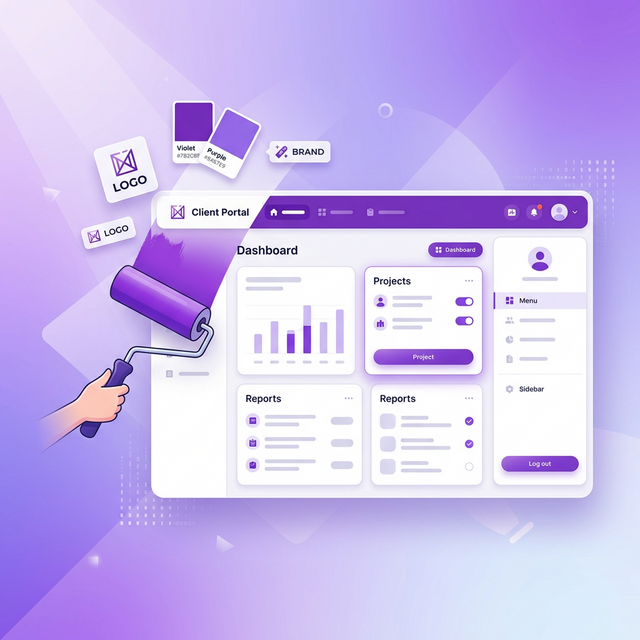
You spend months building your brand. Your website, your logo, your color palette, your tone of voice. Then you send a client to a third party tool they've never heard of, and suddenly the experience feels disconnected from everything you've built.
White label client portals solve this by letting your clients interact with your brand, not someone else's. When they open the portal, they see your logo, your colors, and your name. It feels like you built it yourself.
This matters more than most agencies realize.
What white labeling actually means
There are different levels of white labeling, and not all platforms are honest about which level they offer.
Level 1: Logo removal
The platform removes their own branding. Your clients don't see the tool's name, but they also don't see yours. It's generic. This is what most tools mean when they say "white label" on their cheapest plans.
Level 2: Custom logo and colors
You upload your logo and choose your brand color. The portal displays your identity throughout the interface. This is real white labeling for most practical purposes.
Level 3: Custom domain
The portal runs on your own domain, like portal.youragency.com. Combined with custom logo and colors, this is the gold standard. Your clients would never know a third party platform is involved.
When evaluating tools, ask which level they actually provide. Some advertise "white labeling" but only deliver level 1.
Why it matters for your agency
Trust and professionalism
When a client opens a portal and sees unfamiliar branding, there's a micro-moment of "what is this?" It might only last a second, but that second introduces uncertainty. Is this from my agency? Is my data safe here? Who else can see my files?
When they see your logo and colors, none of those questions arise. The experience feels like a natural extension of working with you.
Perceived value
Agencies charge for expertise and service. When you send deliverables through a branded portal that feels polished and custom, you're reinforcing the value of your service. It says "we have systems, we're organized, and we take this seriously."
Sending a Dropbox link says none of those things.
Client retention
Clients who associate a polished experience with your brand are more likely to come back. The portal becomes part of how they think about working with you. Remove the portal (or make it generic), and the working relationship feels less structured, less professional.
Competitive differentiation
Most agencies still use email for approvals. Walking into a pitch and showing a prospect your branded client portal immediately sets you apart. It's a tangible proof point that you have your operations together.
What to look for in a white label portal
Full brand customization. At minimum, you should be able to upload your logo and set your primary brand color. The best tools let you customize the entire color scheme.
No "powered by" watermark. Some tools include their own branding as a footer or badge on free plans. This defeats the purpose. Make sure the plan you're on removes it completely.
Client-facing simplicity. White labeling is only valuable if the portal itself is good. A branded but confusing interface is still a bad client experience.
Magic link access. If clients need to create an account on a tool they don't recognize as yours, the white labeling doesn't matter. They've already been pulled out of the branded experience by a signup form.
How the options compare on white labeling
| Platform | White label level | Available on | Brand colors | Custom domain |
|---|---|---|---|---|
| TryApprove | Level 2 (logo + colors) | Pro ($29/mo) | Yes | Coming soon |
| Filestage | Level 1 (removal only) | Enterprise | No | No |
| GoVisually | Level 1-2 | Higher plans | Limited | No |
| Ziflow | Level 1 | Enterprise | No | No |
| PageProof | Level 1 | Higher plans | Limited | No |
Getting started with white labeling
If you've never used a white label portal, the setup is simpler than you'd expect:
- Sign up for TryApprove on the Pro plan (or start free to explore)
- Upload your logo in your agency settings
- Choose your brand color using the color picker
- Create a project and add your deliverables
- Share the magic link with your client
When your client clicks the link, they see a clean portal branded entirely with your identity. Your logo in the header, your color throughout the interface, your name everywhere.
It takes under five minutes to set up and the effect on client perception is immediate.
Want to pair it with a proper workflow? Read our guide to building a client approval process.
Not sure if you need a portal at all? Here's what a client portal is and why agencies use them.